
An internet bill becomes much easier to understand once you separate normal recurring service from temporary discounts, equipment, add-ons, usage charges, partial-month activity and one-time fees.
The goal is not just to read the total. A useful audit should tell you what you agreed to, what the provider disclosed, what was billed, what changed from last month and what is likely to appear again next month.
Internet Bill Anatomy: What Each Section Means
Provider layouts differ, but most statements contain the same core information.
| Section | What It Tells You |
|---|---|
| Account Information | Account number, service address and sometimes billing address. |
| Billing Date | When the statement was generated. |
| Service Period | Dates covered by recurring service charges. |
| Previous Balance | Amount carried from the previous statement. |
| Payments & Credits | Payments or adjustments applied to the account. |
| Monthly Services | Internet plan, equipment and recurring add-ons. |
| Partial-Month Activity | Charges or credits created by changes during the billing cycle. |
| One-Time Activity | Installation, activation or another non-recurring charge. |
| Taxes & Fees | Government, passthrough or provider-related charges where applicable. |
| Current Charges | Charges generated for this billing cycle. |
| Amount Due | Current charges plus or minus previous account activity. |
Billing Date vs Service Period vs Due Date
These dates answer different questions.
| Date | Meaning |
|---|---|
| Billing Date | When the provider created the statement. |
| Service Period | The period covered by recurring monthly charges. |
| Change Date | The day a package, equipment or service change became effective. |
| Due Date | The deadline for payment. |
What Changed Since Your Last Internet Bill?
When a bill increases, compare line items in this order:
- Core internet plan price
- Promotional discount
- Auto Pay or paperless discount
- Equipment
- Add-ons
- Partial-month activity
- One-time charges
- Usage charges
- Taxes and fees
- Previous balance
Is a Wi-Fi Bill the Same as an Internet Bill?
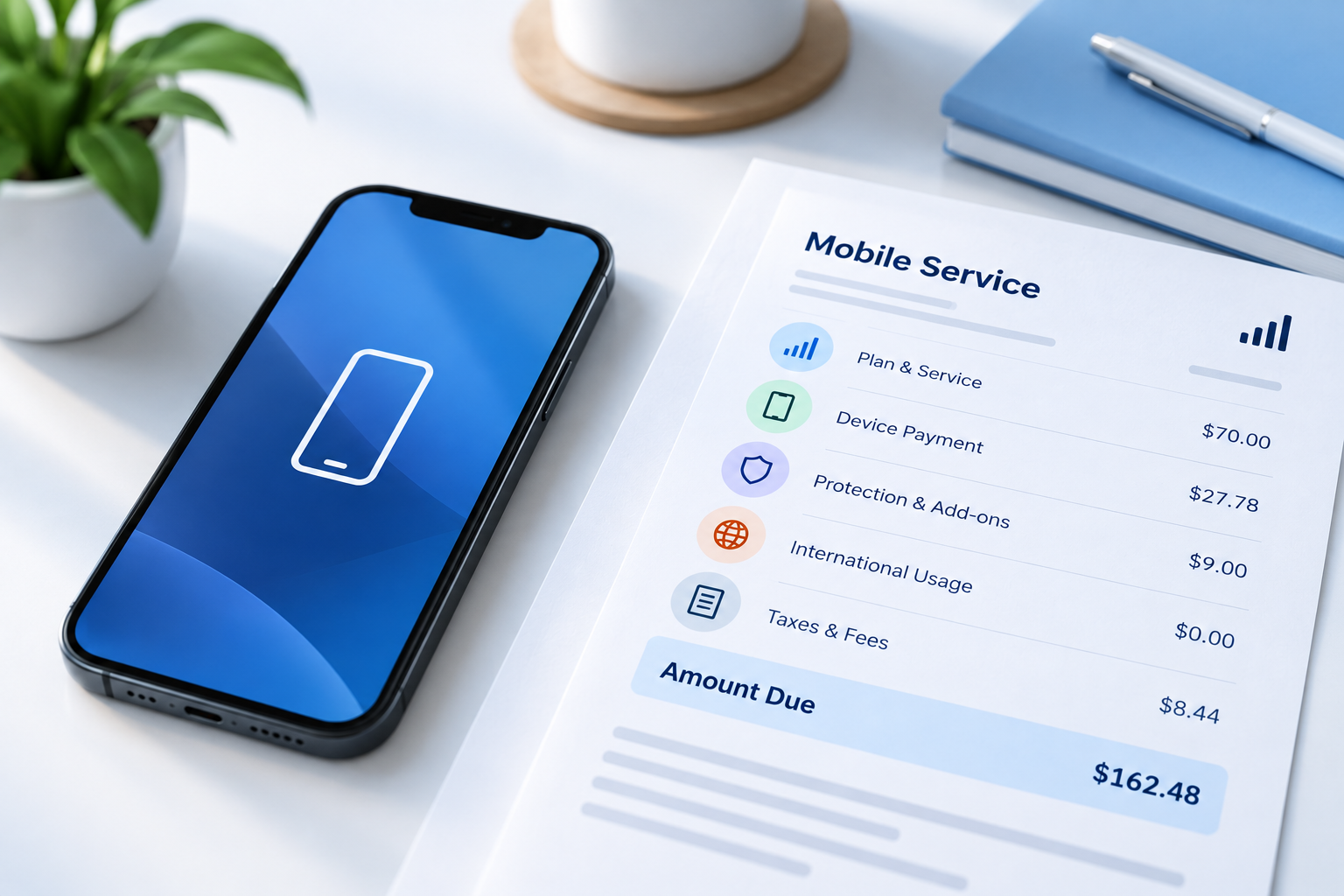
If the account also includes wireless service, device payments or mobile data charges, use our mobile phone bill reading guide to separate those items from the home internet portion.
Internet Service
The provider connection between your home or business and the internet. This is normally the main monthly service charge.
Wi-Fi
The local wireless network created by a router, gateway or access points. A provider can charge separately for Wi-Fi hardware or managed Wi-Fi features.
Find the Core Monthly Internet Plan
Identify the recurring line representing the broadband service itself.
Possible labels include:
- Internet
- Broadband
- Internet Service
- Monthly Service
- Internet Plan
- Recurring Service
Then confirm:
- plan name
- monthly base price
- download tier
- upload tier where stated
- discounts
- contract or term information where applicable
Internet Plan Price vs Total Account Bill
An advertised internet price is not automatically the same as the complete account balance.
A bundled account can contain:
Promotional Internet Price vs Regular Price
Promotion expiration is one of the most common reasons an internet bill rises even when the customer changes nothing.
Fictional example
| Item | During Promo | After Promo |
|---|---|---|
| Regular plan | $80 | $80 |
| Promotional discount | −$20 | $0 |
| Net plan price | $60 | $80 |
Internet Equipment Charges Explained
Equipment can move through several billing stages.
| Equipment Status | Billing Effect |
|---|---|
| Included | No separate recurring charge may appear. |
| Promotional free period | Fee may begin when the promotion expires. |
| Monthly rental | Recurring equipment charge. |
| Purchased equipment | One-time charge or installments. |
| Returned | Recurring rental should normally stop according to provider processing. |
| Unreturned | Can create an unreturned-equipment charge under provider rules. |
Equipment can include:
- modem
- router
- gateway
- mesh equipment
- Wi-Fi extenders
- provider-managed network hardware
Internet Add-Ons and Optional Services
Recurring add-ons can make a plan look more expensive than the advertised broadband price.
Examples can include:
- managed Wi-Fi
- mesh or extender service
- security products
- technical support
- cloud storage
- static IP or networking options
- streaming subscriptions
- other bundled services
Data Allowances and Overage Charges
Internet speed may be listed in Mbps or Gbps. One Gbps equals 1,000 Mbps, so confirm the unit before comparing two plans. Also check whether the plan has a data cap or monthly data allowance and whether usage above that allowance can trigger overage charges or another plan rule.
Where a plan has a data allowance, compare:
- included data
- actual usage
- overage rule
- overage charge
- unlimited-data option where applicable
Am I Paying for Internet in Advance?
Some providers bill recurring monthly subscription service in advance. That can make a first bill appear to cover more time than expected.
A first statement can contain:
- service already used since activation
- the next regular billing period
- equipment
- installation or activation
Why Is My First Internet Bill Higher Than Expected?
Not every provider uses the same first-bill structure, but the combination above explains many unusually high first statements.
What Is a Prorated Internet Charge?
A prorated charge often represents only a partial month of service, such as the days between activation and the start of the provider's normal billing cycle. That partial-period charge can appear on the same statement as the next full recurring monthly charge.
A prorated charge covers only part of a billing period. It can happen when service starts or changes between normal cycle dates.
One-Time Internet Charges
| Charge | Normally Recurring? |
|---|---|
| Installation | No |
| Activation | No |
| Technician visit | Usually no |
| Equipment purchase | No, unless financed/installments apply |
| Late fee | Conditional |
| Unreturned-equipment fee | Usually one-time |
| Early termination fee | Usually one-time if applicable |
Taxes, Provider Fees and Passthrough Charges
A statement may also use the word surcharge for an additional provider or pass-through charge. Read the bill description carefully rather than assuming every fee or surcharge is a government tax, because labels and treatment vary by provider and jurisdiction.
Not every amount below the plan price is the same type of charge.
| Charge Type | Meaning |
|---|---|
| Government Tax | Tax imposed by a government authority. |
| Government Fee | Other government-imposed charge where applicable. |
| Government Passthrough | Provider recovery of certain government-imposed costs. |
| Third-Party Passthrough | Certain costs attributable to non-governmental third parties. |
| Provider Charge | Fee established by the provider rather than directly imposed as a tax. |
Compare Your Bill With the FCC Broadband Consumer Label
The bill shows what you were charged. The broadband consumer label helps disclose important characteristics of the broadband plan.
Useful fields can include:
- monthly price
- introductory price and duration where applicable
- typical download speed
- typical upload speed
- latency
- data allowance
- contract term where applicable
- early termination fee where applicable
Broadband Label vs Bill
| Compare | Plan / Label | Bill |
|---|---|---|
| Monthly price | Plan-level recurring price | Actual recurring plan charge |
| Introductory price | Discounted rate | Promotion / credit |
| Promo duration | How long introduction lasts | Expiration notice or disappearing credit |
| Download speed | Typical plan performance information | Plan name / account details |
| Upload speed | Typical plan performance information | May appear in account or plan details |
| Latency | Performance disclosure | Usually not a billing charge |
| Data allowance | Plan usage terms | Usage or overage activity |
| Contract term | Term commitment if applicable | May affect cancellation charges |
| Early termination fee | Possible cancellation exposure | May appear on final bill if applicable |
Does My Internet Plan Have a Contract?
Do not assume every internet plan is month-to-month or every plan has a long-term commitment.
Month-to-Month
Service continues monthly without a fixed-term commitment, subject to provider terms.
Fixed-Term Agreement
A customer may agree to remain for a defined period. Early cancellation can have additional consequences if specified.
What Is an Early Termination Fee?
An early termination fee, or ETF, is a charge that may apply when a customer cancels before the end of an applicable agreement or promotion.
How to Read a Final Internet Bill
A final statement can look different from a normal monthly bill.
Check these items:
- service disconnect date
- last recurring service period
- prorated credit where applicable
- remaining account balance
- early termination fee where applicable
- equipment return status
- restocking or other equipment fee where applicable
- unreturned-equipment charge
- credits or refunds
Will This Charge Appear Again Next Month?
| Charge | Typical Pattern |
|---|---|
| Internet plan | Recurring |
| Equipment rental | Recurring while applicable |
| Managed Wi-Fi | Recurring |
| Add-on | Recurring while active |
| Promotional credit | Temporary until expiration |
| Auto Pay discount | Recurring while eligibility requirements are met |
| Prorated charge | Normally temporary |
| Installation | Normally one-time |
| Activation | Normally one-time |
| Late fee | Conditional |
| Data overage | Usage-dependent |
| Unreturned equipment | Normally one-time |
| Previous balance | Carryover until paid/adjusted |
The Best Audit Method: Order → Label → Bill
For the strongest verification, compare three sources.
Compare These Fields
| Field | Order | Label / Plan | Bill |
|---|---|---|---|
| Plan | Selected product | Plan description | Recurring service line |
| Price | Quoted price | Plan price | Billed amount |
| Promotion | Discount offered | Intro pricing details | Credit shown |
| Equipment | Included/rented/purchased | Additional charge information | Equipment line |
| Contract | Agreement | Term if applicable | Relevant mainly at cancellation |
Check Upcoming Changes Before Next Month
Do not stop at the charge table. Review messages, notices and bill annotations.
Look for:
- rate increase notice
- promotion expiration
- equipment-price change
- new fee
- service change
- Auto Pay eligibility notice
- account migration or billing-system change
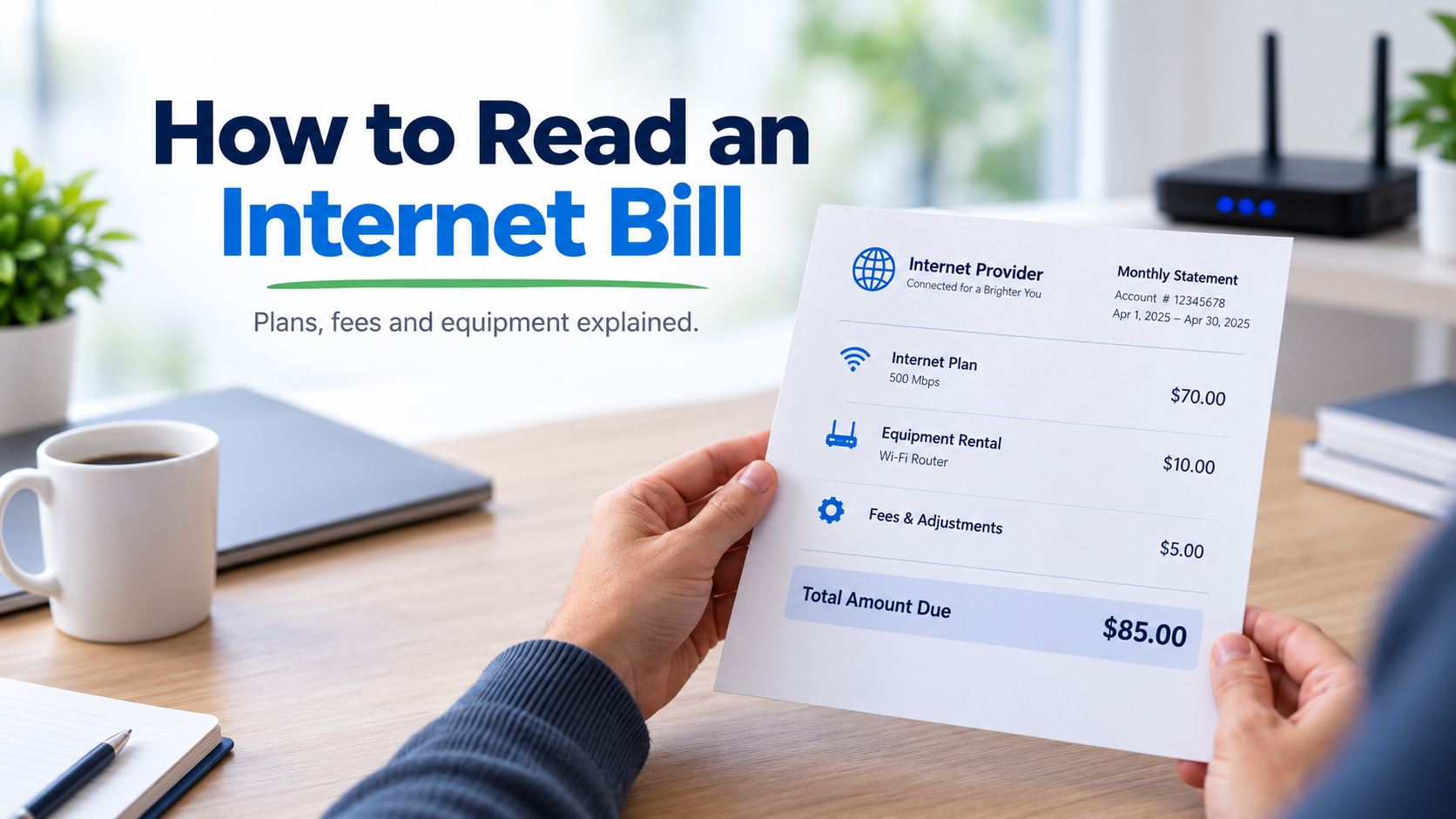
Annotated Fictional Internet Bill Example
For a provider-neutral example of account details, billing dates, balances and charges across utility-style statements, review our annotated sample utility bill. For customizable fictional document testing, you can also use the utility bill generator.
This example is completely fictional and exists only to demonstrate common billing sections.
Crestline Broadband Services
First Internet Bill Calculator
Use this calculator to estimate how a first statement can combine partial service with the next regular month.
Estimate a First Internet Bill
Internet Bill Audit & Promo Expiration Tool
Reconstruct Your Internet Bill
Enter the bill components separately so the tool can distinguish recurring costs, discounts and temporary activity.
Compare Two Internet Bills
Find What Caused the Increase
30-Point Internet Bill Audit Checklist
Developers and QA teams can also review the utility bill OCR testing guide when testing extraction of account numbers, billing dates, plan charges, equipment fees, discounts, taxes and totals from fictional billing documents.
- Confirm the account number.
- Confirm the service address.
- Find the billing date.
- Find the service period.
- Find the due date.
- Check notices and upcoming changes.
- Separate previous balance from current charges.
- Find the core internet plan.
- Confirm the speed tier.
- Identify bundled services.
- Confirm the regular plan price.
- Find the introductory discount.
- Find the promotion expiration date.
- Check Auto Pay and paperless discounts.
- Review equipment charges.
- Check whether equipment was included temporarily.
- Review add-ons.
- Check data allowance and overage activity.
- Identify partial-month charges.
- Identify installation or activation fees.
- Separate recurring and one-time charges.
- Separate taxes from provider charges.
- Review passthrough charges where shown.
- Check contract term if applicable.
- Check early termination terms if applicable.
- Compare the bill with the plan / broadband label.
- Compare the current bill with the previous statement.
- Identify charges that should disappear next month.
- Calculate the likely post-promotion recurring cost.
- Investigate any unexplained difference.
Frequently Asked Questions
How do I read an internet bill?
Identify the billing period, recurring plan, equipment, add-ons, discounts, partial-month activity, one-time charges, taxes and previous balance. Then compare those lines with the previous bill.
Why is my internet bill higher this month?
Common reasons include a promotion ending, plan-price change, equipment charges, new add-ons, proration, usage charges, one-time activity or a previous unpaid balance.
Why is my first internet bill so high?
A first bill can combine partial service, the next normal billing period, equipment, installation, activation and applicable taxes or fees.
Will my next internet bill be lower than my first bill?
It may be if the first bill contained installation, activation or partial-month charges that will not repeat.
What is a prorated internet charge?
It is a partial-period charge created when service begins or changes between normal billing-cycle dates.
Why did my internet bill rise even though my usage did not?
Many internet charges are subscription-based rather than usage-based. A promotion can expire, a plan price can change or a recurring fee can be added.
What is an equipment fee?
It is a charge associated with provider equipment such as a modem, router, gateway or network extender.
Can equipment fees start after a free period?
Yes. Some equipment can be included under promotional terms and later become separately billed.
What is an early termination fee?
It is a charge that may apply when a customer ends a qualifying term agreement before the applicable commitment ends.
Does every internet plan have an early termination fee?
No. Terms vary. Check the specific plan agreement and broadband disclosures.
What can appear on a final internet bill?
Final service charges, credits, equipment-related fees, an early termination charge where applicable, previous balances and refunds can appear depending on provider rules.
What is a passthrough fee?
A passthrough charge generally reflects certain external costs being recovered through the customer bill. The exact categories and presentation depend on the provider and applicable rules.
What is the FCC Broadband Consumer Label?
It is a standardized broadband disclosure designed to help consumers understand and compare important plan information such as pricing, introductory rates, performance and data terms.
Can I compare the broadband label with my bill?
Yes. Compare the specific plan's price, promotion, speed, data terms and other applicable information with what appears on the bill.
Does an internet bill show my browsing history?
A normal billing statement generally shows account and billing activity, not an itemized list of websites visited.
Does UtilityBillGenerator.net issue official internet bills?
No. UtilityBillGenerator.net provides fictional sample utility documents only. They are not issued, approved, authorized, certified or verified by internet service providers.
Create a Sample Utility Bill
UtilityBillGenerator.net creates fictional sample utility bills for legitimate software development, QA, OCR testing, UI/UX mockups, training, demonstrations and education.
Samples are not issued, approved, authorized, certified or verified by actual providers and are not proof of address, identity, account ownership, service or payment.
Create a Sample Utility BillEditorial Sources & Verification
This guide was cross-checked against current provider and regulatory billing documentation, including:
- Federal Communications Commission and the August 2026 Federal Register broadband-label rule update.
- Xfinity guidance covering first bills, service periods, prorated charges, recurring monthly charges and one-time fees.
- Optimum bill guides covering account summaries, important messages, Auto Pay status, partial-month activity and total amount due.
- Frontier billing guidance covering advance subscription billing, promotion expiration, partial-month activity, final bills, early termination fees and equipment-return charges.
Provider pricing, discounts, fees, contract terms, data policies, equipment rules and final-bill procedures vary. Use your specific plan agreement, order confirmation, current provider disclosures and statement when reviewing a real account.
Disclaimer: This page provides general educational information about internet and Wi-Fi billing. It does not reproduce or replace a specific provider agreement. UtilityBillGenerator.net provides fictional sample utility documents only and does not issue, authorize, certify or verify actual provider bills.